


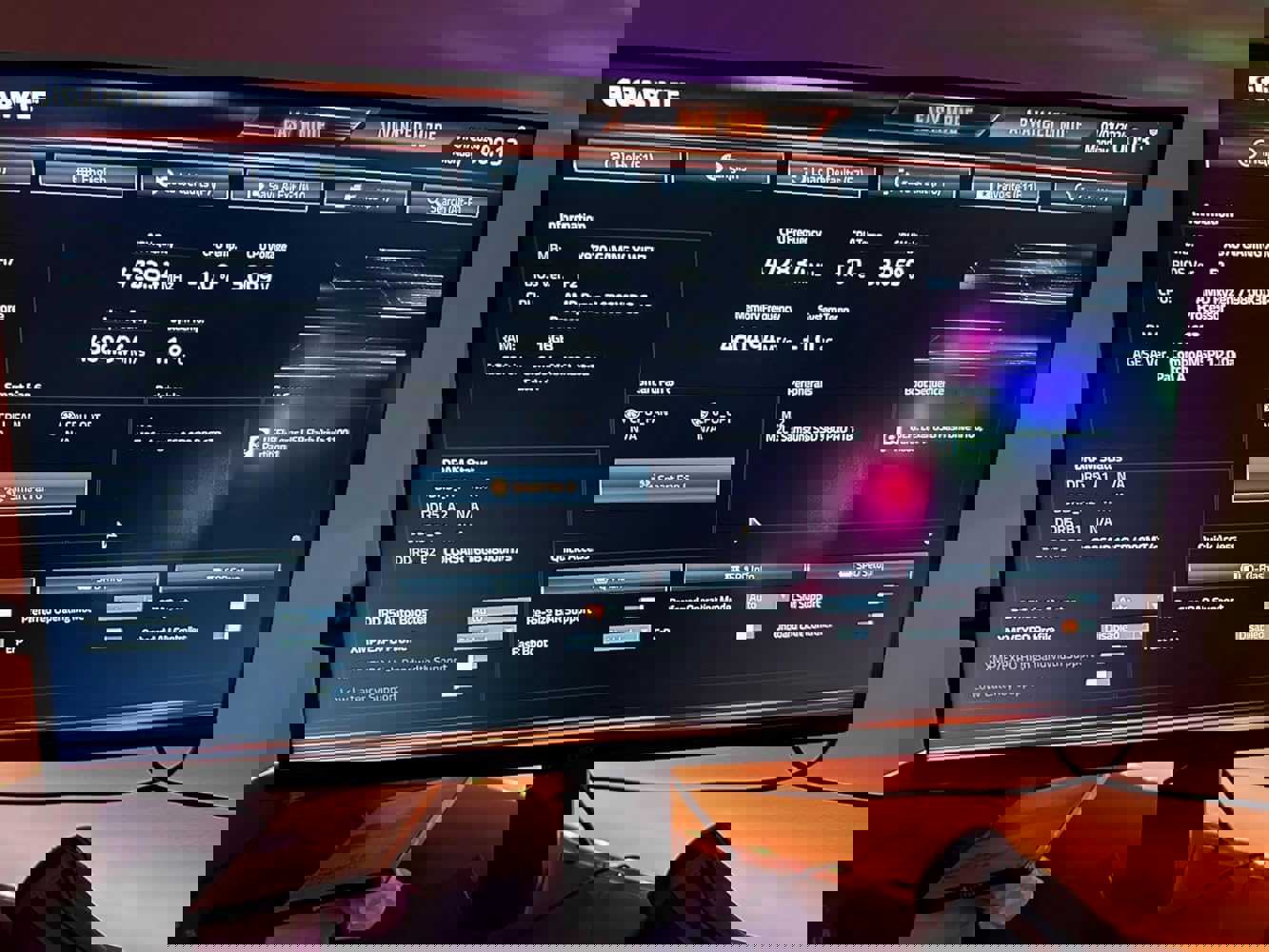
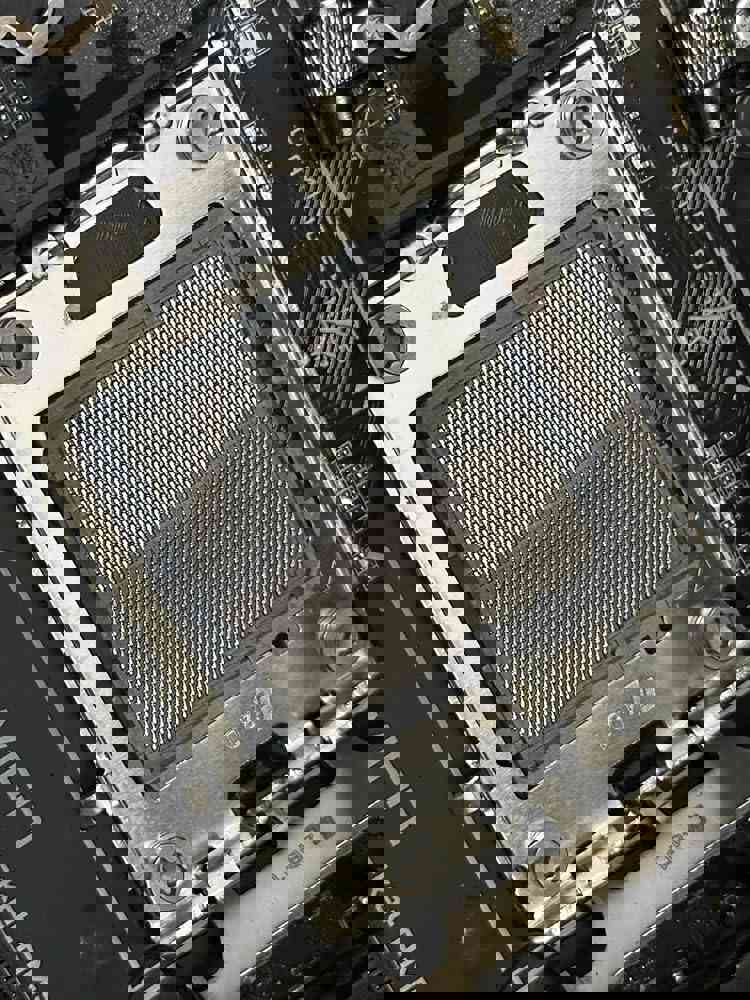
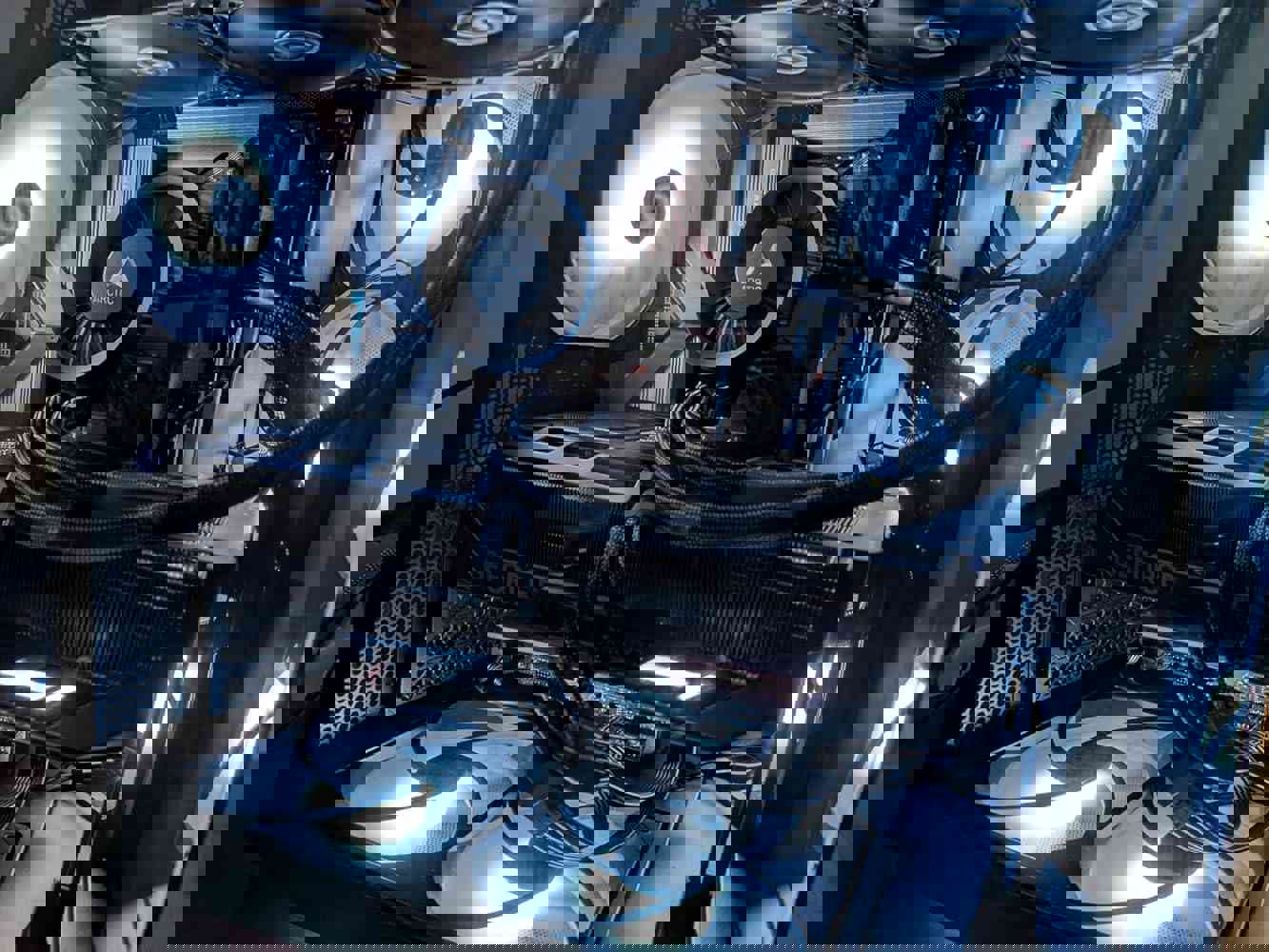



Let me start by saying that the GIGABYTE X870 Eagle WIFI7 motherboard has been a reliable workhorse in my recent AMD build. The installation process was mostly smooth, though I did run into some minor hiccups that are worth mentioning.
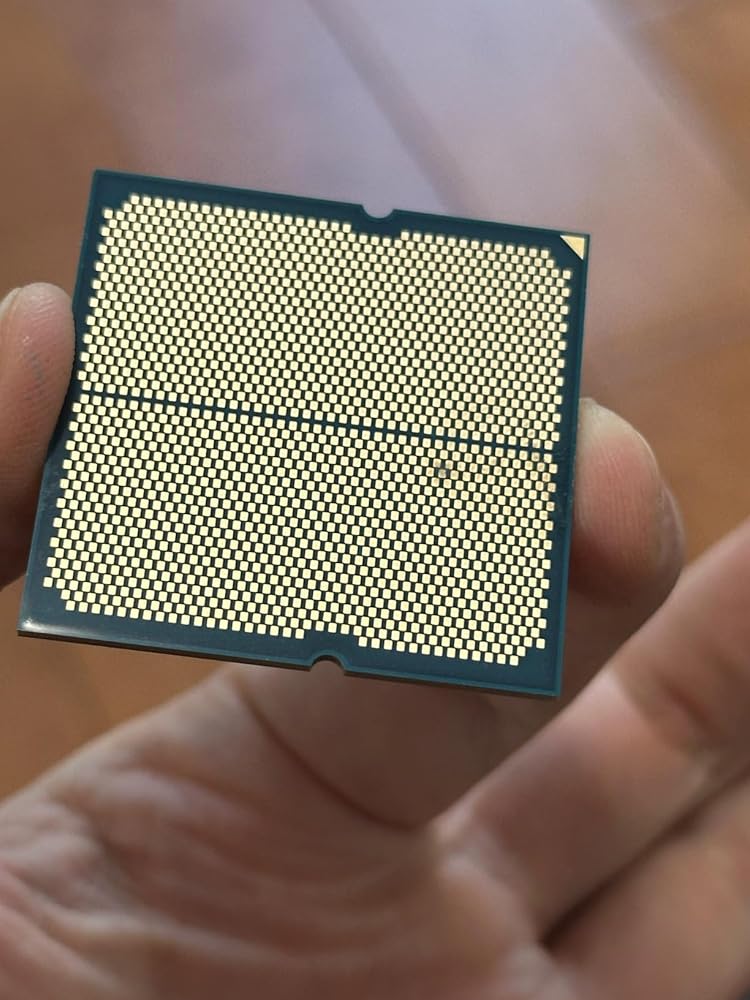
The good stuff first: This board handled my Ryzen 9 9900X like a champ right out of the box. No BIOS updates needed for CPU recognition, which was a pleasant surprise. The DDR5 compatibility worked perfectly with my G.Skill Flare X5 memory (though note - you'll want to use B slots for dual channel configuration). The PCIe 5.0 support and multiple M.2 slots make this future-proof for storage upgrades.
Where this board really shines is in its thoughtful design touches. The EZ-Latch system for M.2 drives and GPU is genuinely helpful - no more fumbling with tiny screws! The generous spacing between RAM slots and CPU socket accommodated my bulky air cooler without issues. And that included plastic front panel connector adapter? Absolute lifesaver that more manufacturers should include.
Now for the not-so-great: The WiFi performance has been inconsistent for me too. While some users report full speeds, mine capped around 80Mbps until I updated drivers via USB tethering (pro tip: keep your phone handy during setup). The VRM temperatures do run warm at idle (50-60°C in my testing), though never reached concerning levels even during extended rendering sessions.
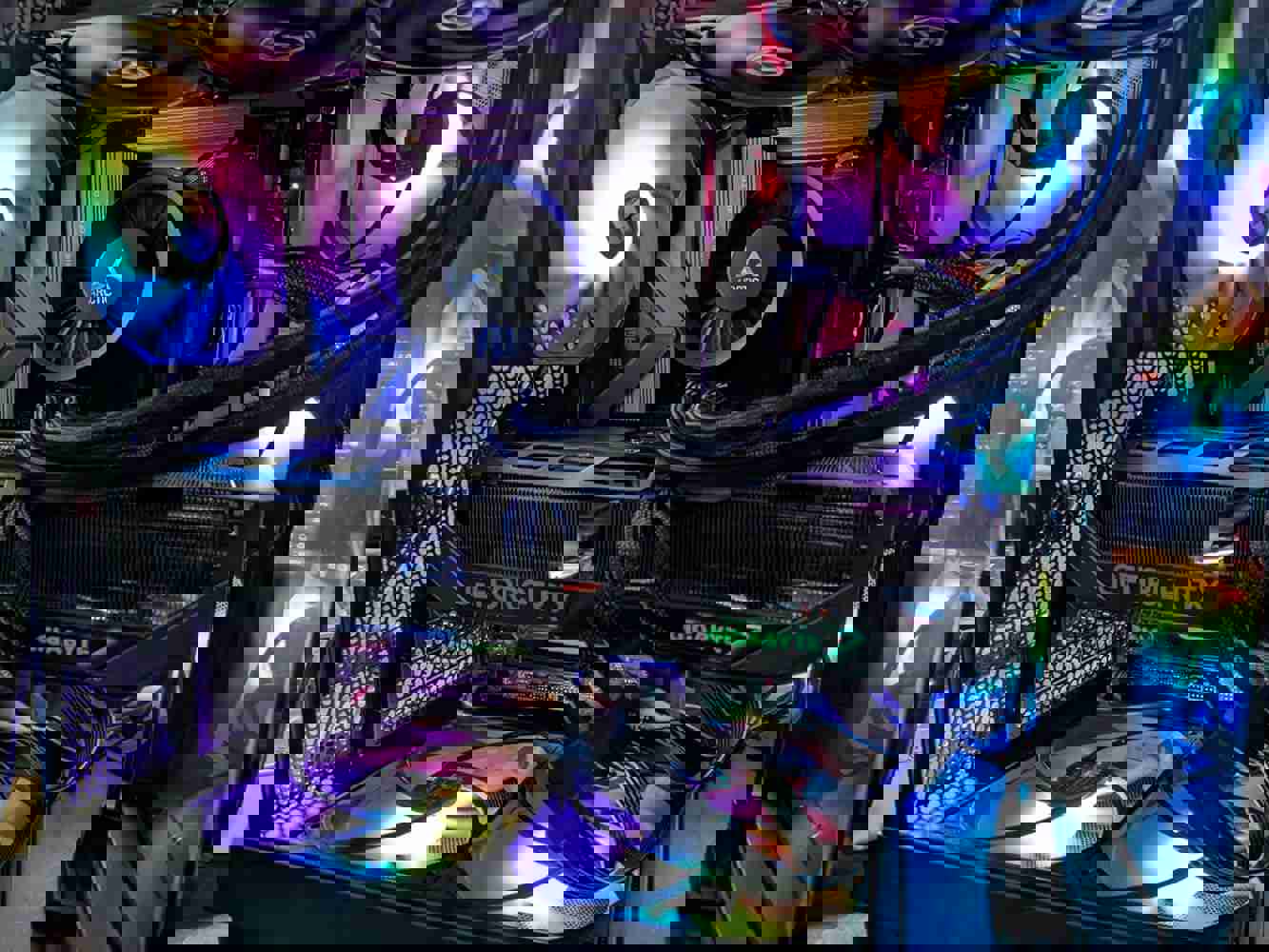
A word of caution about the physical layout - the PCIe slot placement means large GPUs will come extremely close to your CPU cooler (my XFX 6700XT left just about 1/4" clearance). Also, some onboard headers like USB 3.0 are awkwardly positioned - go slow when connecting these to avoid bent pins.
Performance-wise, it's been stellar for my mixed workload of video editing, gaming, and 3D modeling. Boot times are snappy (around 25 seconds cold boot to Windows), and Gigabyte's aggressive EXPO memory tuning does squeeze out extra performance compared to competitors.
The value proposition here is strong if you need features like WiFi7 and USB4 without paying premium prices. Just be prepared for some initial setup quirks - have your driver USB ready and double-check RAM placement before powering on!
 Report
 Share to...


